Model Productionisation - MNIST Handwritten Digits Prediction


Yet another post about MNIST Handwritten Digits Prediction?

Nope. Not this time!!

There are about a hundred of tutorials available on-line for this cause.
Here's a quickie, to understand all the mechanics of the prediction process in tensorflow for the MNIST datasets which should get you, up and running.

Done with the basics? Head over to

https://github.com/datawrangl3r/mnistProduction

and clone the project.

We are about to deploy an image prediction RESTful API, powered by Flask microframework.

The code in the repo is written in pythonV2.7, you may also use python3; should be a breeze.


Step 2, mentioned above powers up the API, serving the end-point through the port 5000. Time to test-query our API.

The project directory contains the numerals_sample, from which one may crop the required digits out. As for this demo, we shall look at numba3.jpg, numba5.jpg, numba6.jpg, numba7.jpg and numba9.jpg present in the same directory, as that of the project.

Fire up the browser, and hit the following URL to test our model with a numba6.jpg:

http://localhost:5000/predictint?imageName=numba6.jpg



BAM..!!! I got a number 6!!


That was too easy.. How about - numba7.jpg


http://localhost:5000/predictint?imageName=numba7.jpg

BooM..!!!  7, It is...


How about, a numba9.jpg?


http://localhost:5000/predictint?imageName=numba9.jpg

I've got a 5 ??????????


Well, hate to admit.. There just can't be a 100% perfect model. Neither is our test datasets.

As a matter of fact; Five, does look a little bit like 9..


    Which drives us to the fact that, the model can be improved when  more and more training datasets are provided, which substantially increases the accuracy.

Key in your comments below, if you found this article to be helpful or just to give a shout-out!!!

ELK Stack... Not!!! FEK, it is.!!! Fluentd, Elasticsearch & Kibana

If you are here, you probably know what elasticsearch is and at some point, trying to get into the mix. You were searching for the keywords "logging and elasticsearch" or perhaps, "ELK"; and probably ended up here. Well, you might have to take the following section with a pinch of salt, especially the "ELK Stack"  fam.

At least from my experience, working for start-ups teaches oneself, a lot of lessons and one of the vast challenges include minimizing the resource utilization bottlenecks.
On one hand, the logging and real-time application tracking are mandatory; while on the other hand, there's a bottleneck in the allocated system resource, which is probably an EC2 instance with 4Gigs of RAM.

ELK Stack 101:

Diving in, ELK => Elasticsearch, Logstash, and Kibana. Hmm, That doesn't add up; don't you think? Elasticsearch stores the reformed log inputs, Logstash chops up the textual logs and transforms them to facilitate query, derivation of meaningful context, thereby, aiding as an input source to be visualized in Kibana.
Logstash uses grok patterns to chop up the log, doesn't it? So, an essential amount of time needs to be invested in learning how these patterns are different from that of traditional regular expressions.
But... But, who's gonna ship the logs from the application to Logstash and this shipping needs to be seem-less. Well, There's filebeat provided by elastic co, to ship all those.

So, Is it supposed to be ELFK or perhaps, FLEK stack? (WT*) 
You, be the judge!

Using four applications, singing to each other, what could go wrong?

WARNING: The following infographic may contain horrifying CPU spikes, that some readers might find disturbing.


Well.. Well.. Well.. What do we have here?

Extracting valuable information from logs is more like an excavation, digging deep to excavate the hidden treasures. It can't be at the cost of resource utilization.

Introducing, the FEK Stack.

Enter Fluentd AKA td-agent, an open-source data collection tool written in Ruby (not JAVA!!! Ruby - 1 Java - 0).


The setup is way too easy, that you can be up and running in no time.


Locate to /etc/td-agent/ and replace the existing configuration template (td-agent.conf) with the following configuration.


The parameters are self-explanatory and the keyword: format is where the regex for log chopping is given. An important thing to note is the tag keyword. The value described here should be used in the <match> segment. This bonding between the source and the mapping happens with the aid of this keyword.

For demonstration purposes, you can use the following snippet of code for random log file generation.

https://github.com/datawrangl3r/logGenerator

The configuration file is synced with this code; it shouldn't be a hassle.

Thanks for reading.
Let me know how it all worked out in the comments below!

Featured Posts

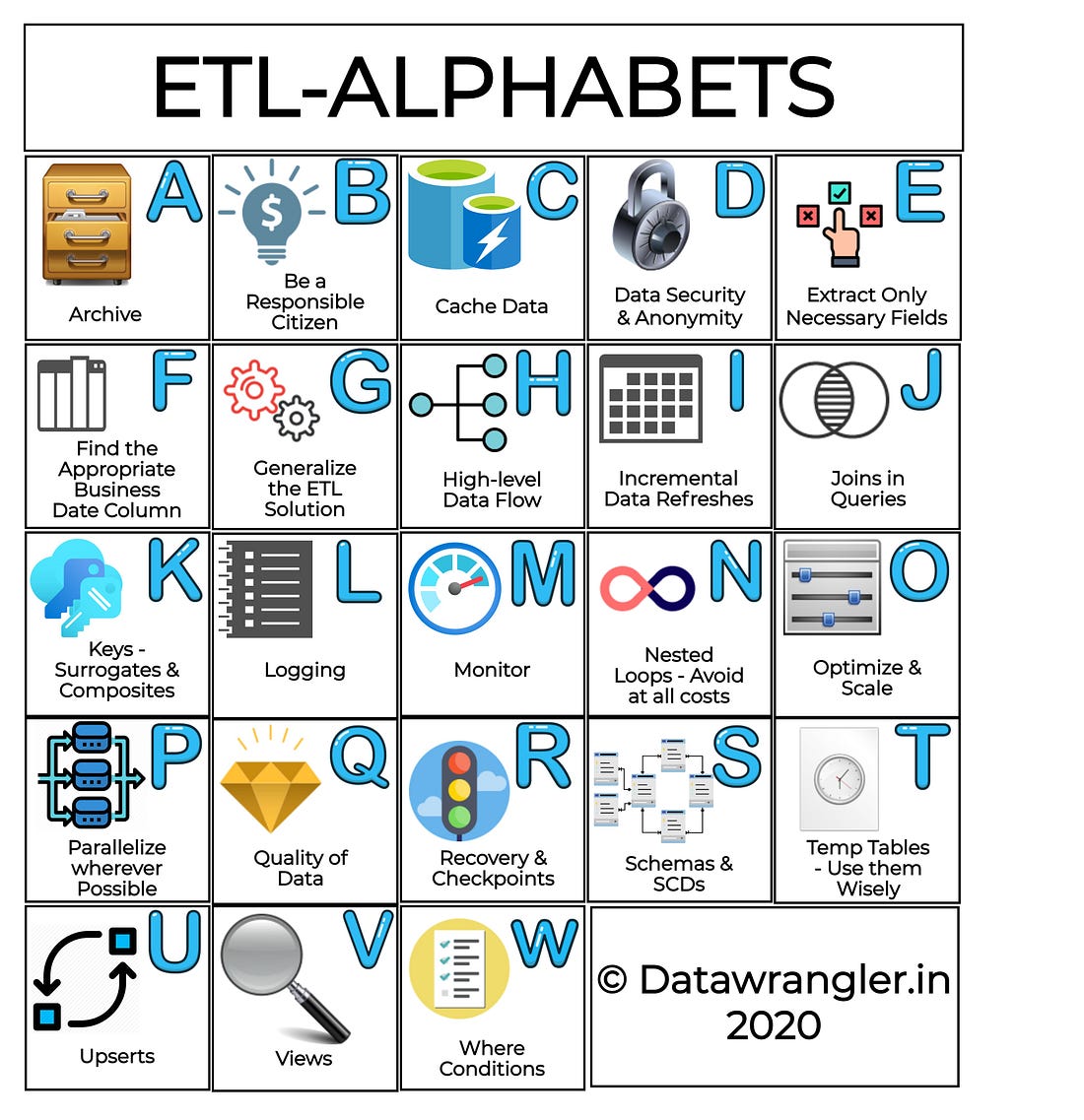
ETL & Enterprise Level Practices

  ETL Strategies & Pipelines have now become inevitable for cloud business needs. There are several ETL tools in the market ranging fro...